Image to 3DAI powered, ready in about a minute
Convert Image (2D) to 3D Model
Upload one photo, sketch or piece of concept art and Cameo3D rebuilds it as a fully textured 3D model in about a minute. Clean geometry. No 3D skills and no software to install.
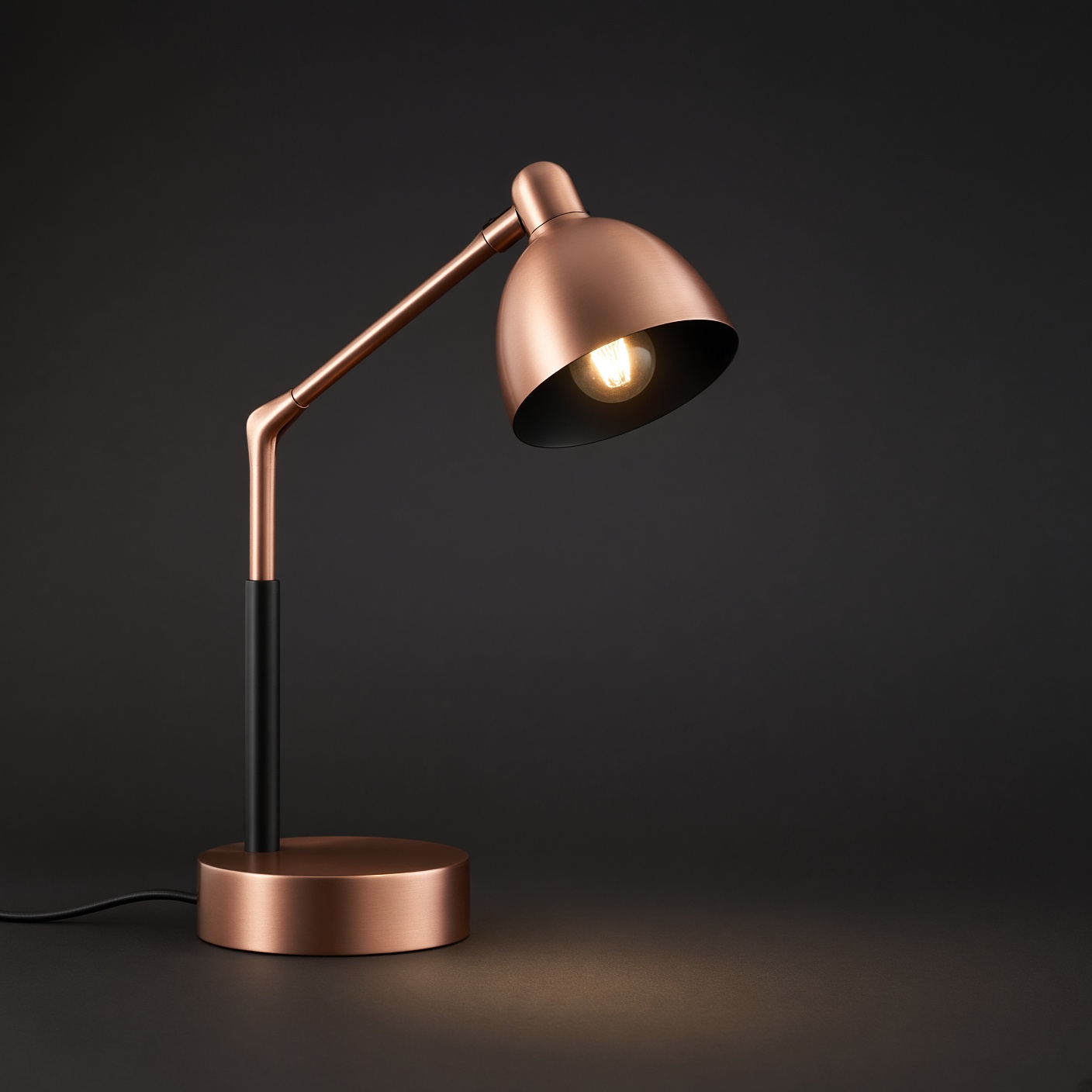
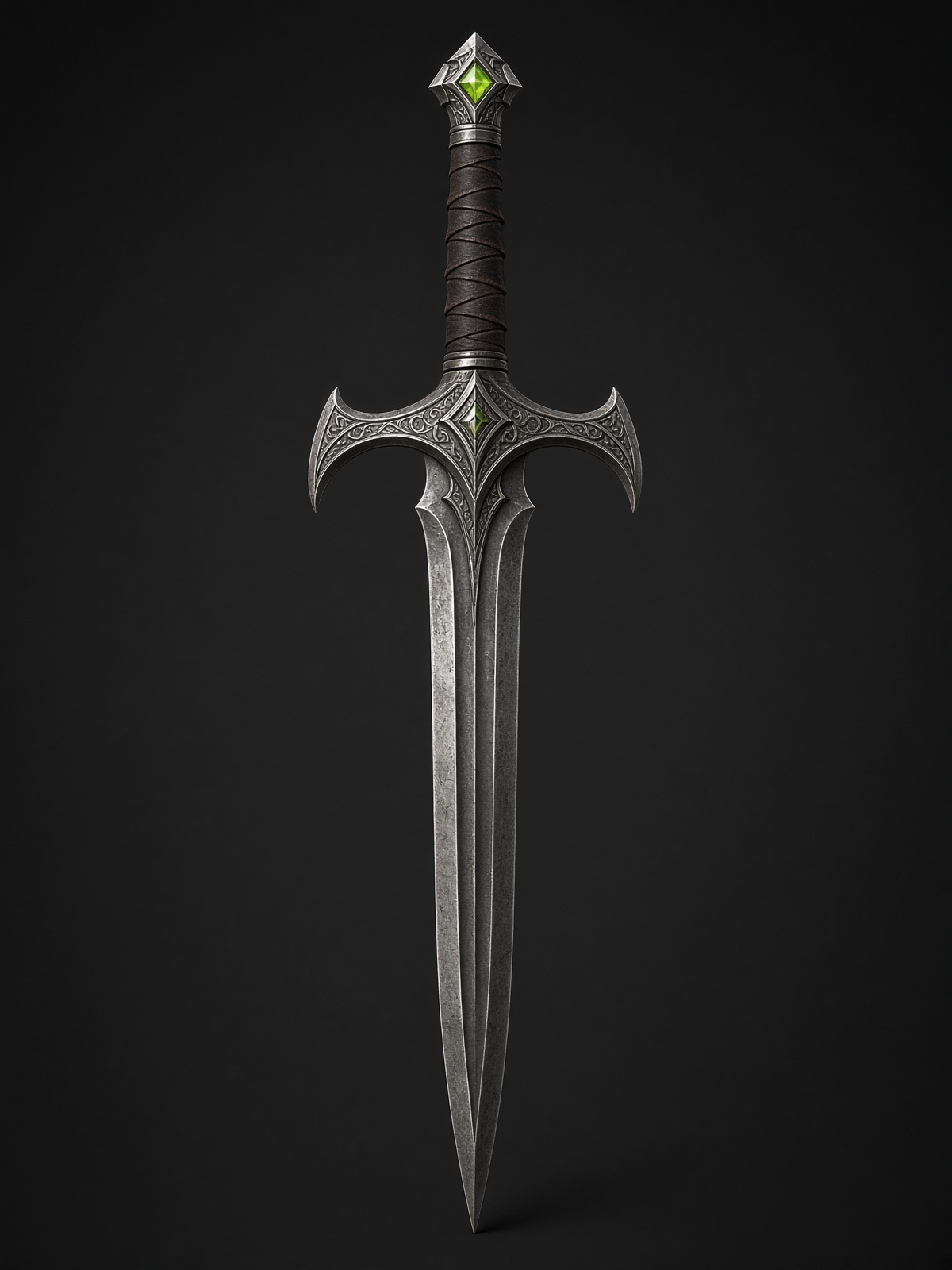
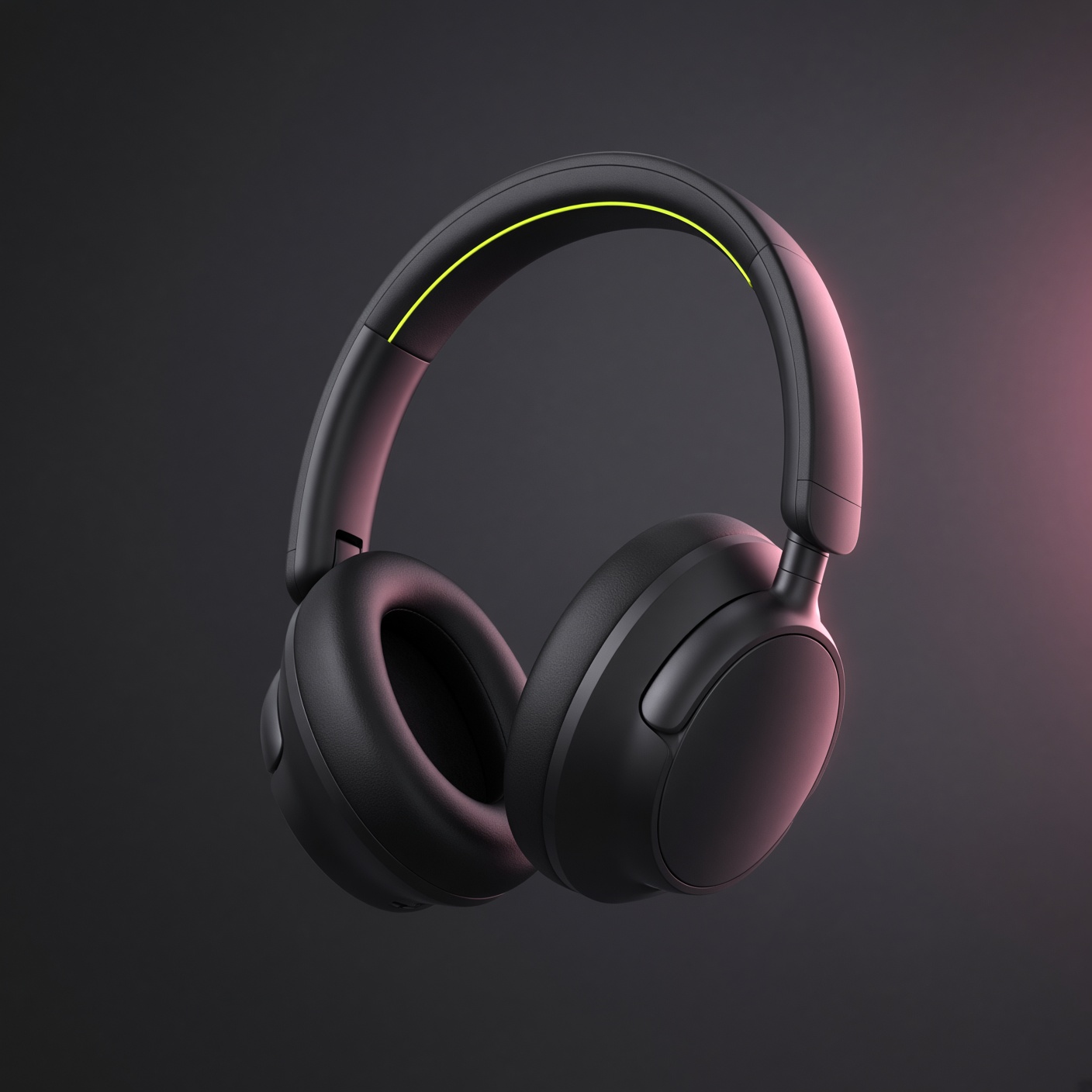
See the workspace in action
One Photo, One Model
Upload a single image and Cameo3D rebuilds it as a fully textured 3D model in about a minute. The fastest path from photo to 3D, ideal for front facing subjects.
Open the workspace →
Every Angle, One Model
Combine up to 4 photos of the same object (front, sides and back) into a single model. Geometry and texture are read from every view, so backs, sides and logos stay true to your reference.
Open the workspace →See the workspace in action
One Photo, One Model
Upload a single image and Cameo3D rebuilds it as a fully textured 3D model in about a minute. The fastest path from photo to 3D, ideal for front facing subjects.
Open the workspace →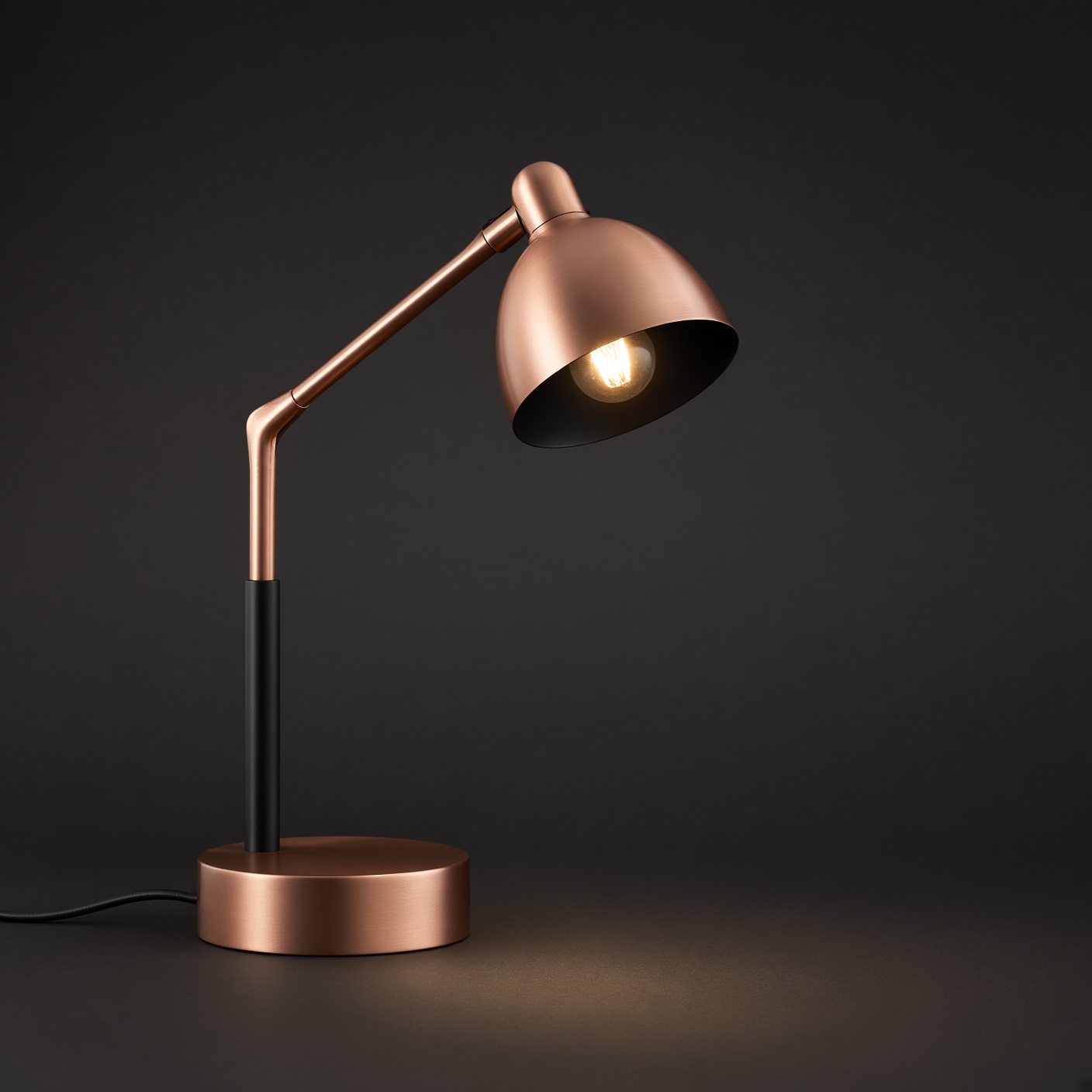
Every Angle, One Model
Combine up to 4 photos of the same object (front, sides and back) into a single model. Geometry and texture are read from every view, so backs, sides and logos stay true to your reference.
Open the workspace →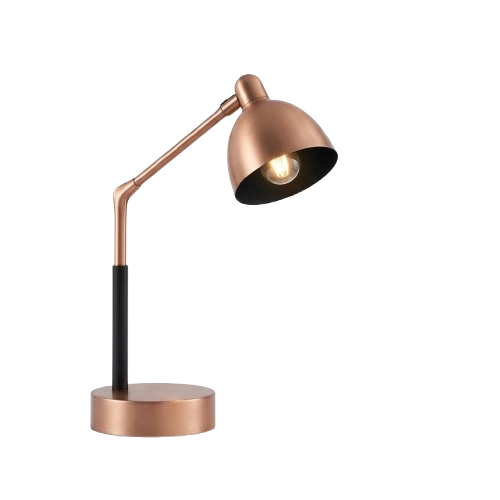
Three steps from photo to finished asset
No modeling, no sculpting and no learning curve. If you can upload a picture, you can make a 3D model.
Upload your image
Drag and drop a PNG, JPG or WebP. Photos, product shots, sketches and concept art all work. A clear subject on a simple background gives the cleanest result.
Generate your 3D model
Press Generate. Cameo3D reads the shape, depth and surface of your image, builds the mesh and paints detailed textures. Most models finish in about a minute.
Download and use
Preview the model in 3D, then export it in the format you need. Drop it into your game engine, slicer, AR viewer or online store.
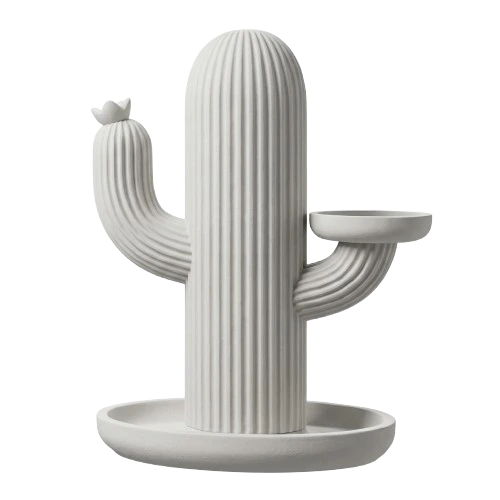
One photo in. A real 3D model out.
Drag the seam to compare the original photo with the generated model. Shape, proportions and material details carry over, and the model is ready to rotate, light and export.
- Shape and proportions are rebuilt from your image
- Materials become PBR maps that react to light
- Clean mesh, ready to export in common formats
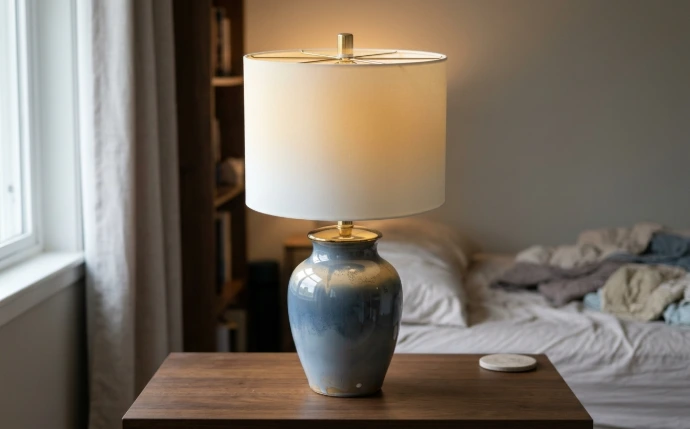
Why creators choose our Image to 3D
Built for people who need real, usable 3D assets, not just a nice looking preview.
Single image to 3D
One photo is enough. Cameo3D reads the shape, depth and surface of your image and builds a complete model from it.
- Photos, sketches and concept art
- No extra angles needed
- Runs in your browser
PBR textures included
Every model can ship with 4K PBR maps, so metal, fabric and plastic react to light the way they do in real life.
- Base color, roughness, metallic, normal
- Looks right in any engine
- Detail you can zoom into
Any format, ready to use
Export GLB, GLTF, FBX, OBJ, STL or USDZ. Files open straight away, with no conversion and no re-import trouble.
- Game engines and animation tools
- 3D printing slicers
- AR and web viewers
No software, no setup
Everything runs in your browser. No plugin, no download and no 3D experience. Open the workspace and start creating.
- Works on any modern browser
- Nothing to install or update
- First model is free
Clean, usable geometry
Sharp edges, accurate proportions and tidy meshes, ready for real-time engines, printing and production work.
- Accurate proportions
- Detail where it matters
- Ready for engines and slicers
Fast enough to iterate
About a minute per model means you can try an idea, compare versions and keep only the best one.
- Test ideas in minutes
- Compare versions side by side
- Keep your best result
Whatever you can picture, ready in 3D.
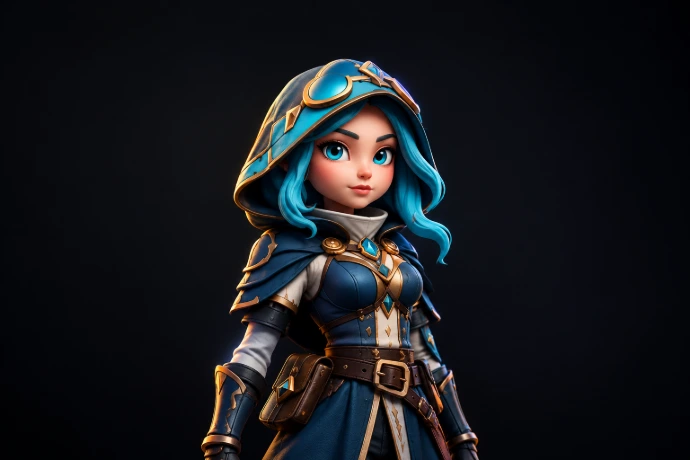
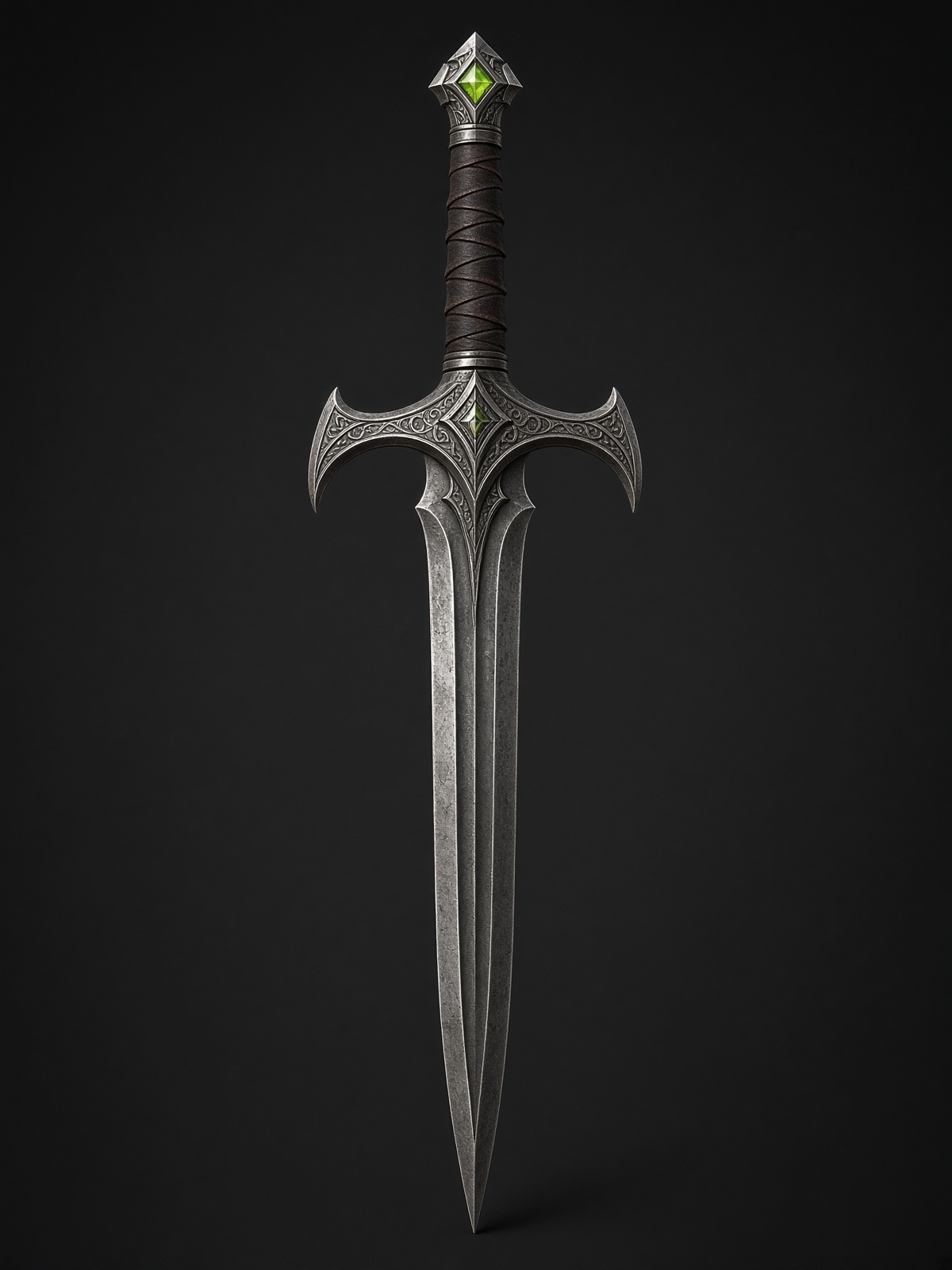
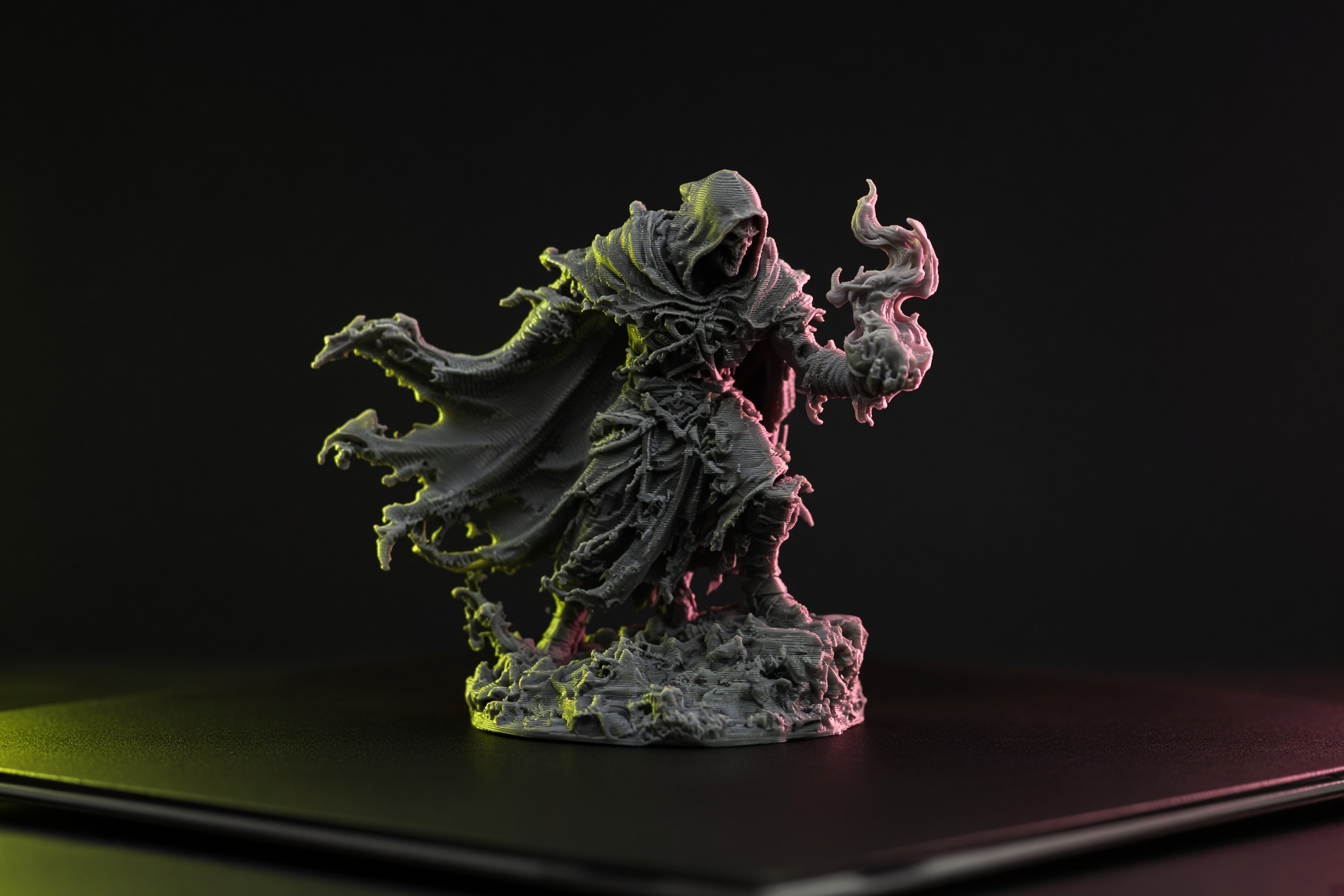
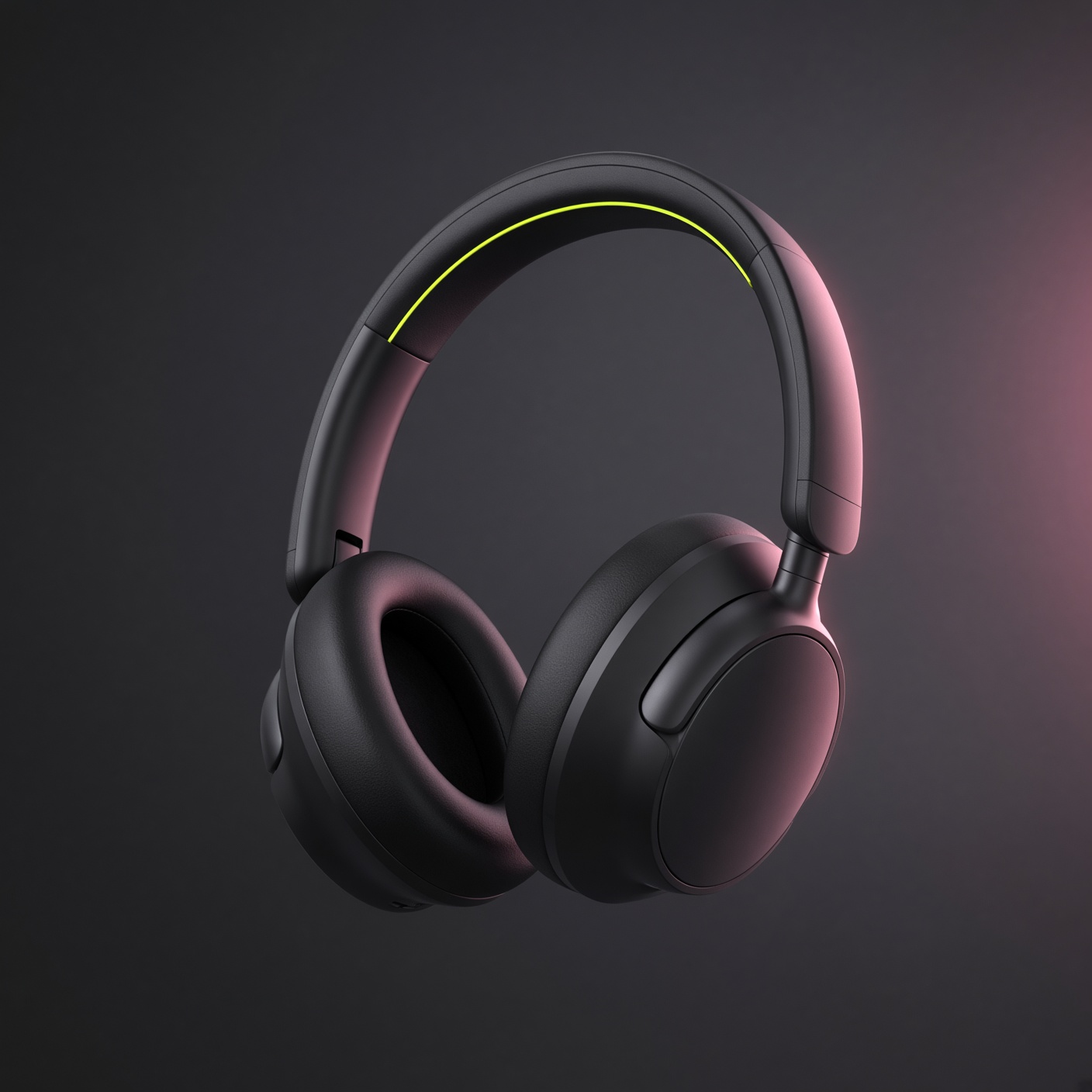
From sneakers to game props. Pick a category, open the workspace and make your own.
Every file lands ready to use.
Choose the format that fits your tool. No converters and no extra steps.
Web, AR and real-time apps
Geometry and textures packed into one compact file. The easiest format to share and preview.
Most popularOpen standard for engines
The open format used by web viewers and engines, with textures kept as separate files.
Web and enginesGame engines and animation
Import straight into Unity, Unreal Engine, Maya and other animation and game tools.
Game devThe universal mesh format
Opens in almost every 3D program, which makes it a safe choice when you are unsure.
UniversalMade for 3D printing
Send it straight to your slicer, such as Bambu Studio, Cura or PrusaSlicer, and start printing.
3D printingApple AR Quick Look
Let customers view your model in their own space on iPhone and iPad, with no app needed.
AR readyTraditional modeling vs Cameo3D
Skip the slow parts of the pipeline and go from reference image to usable asset.
How to get the cleanest model
A good input image makes a big difference. Keep these four tips in mind.
Use one clear subject
Center the object and keep all of it inside the frame, with nothing cut off.
Keep the background simple
A plain or removed background helps the AI focus on the object itself.
Use even lighting
Soft light without harsh shadows keeps colors and details accurate.
Crowded scenes
Several overlapping objects can blend into one model. Crop to a single item.
Built for every 3D workflow
Turn photos, concepts and 2D artwork into 3D models ready for your industry.
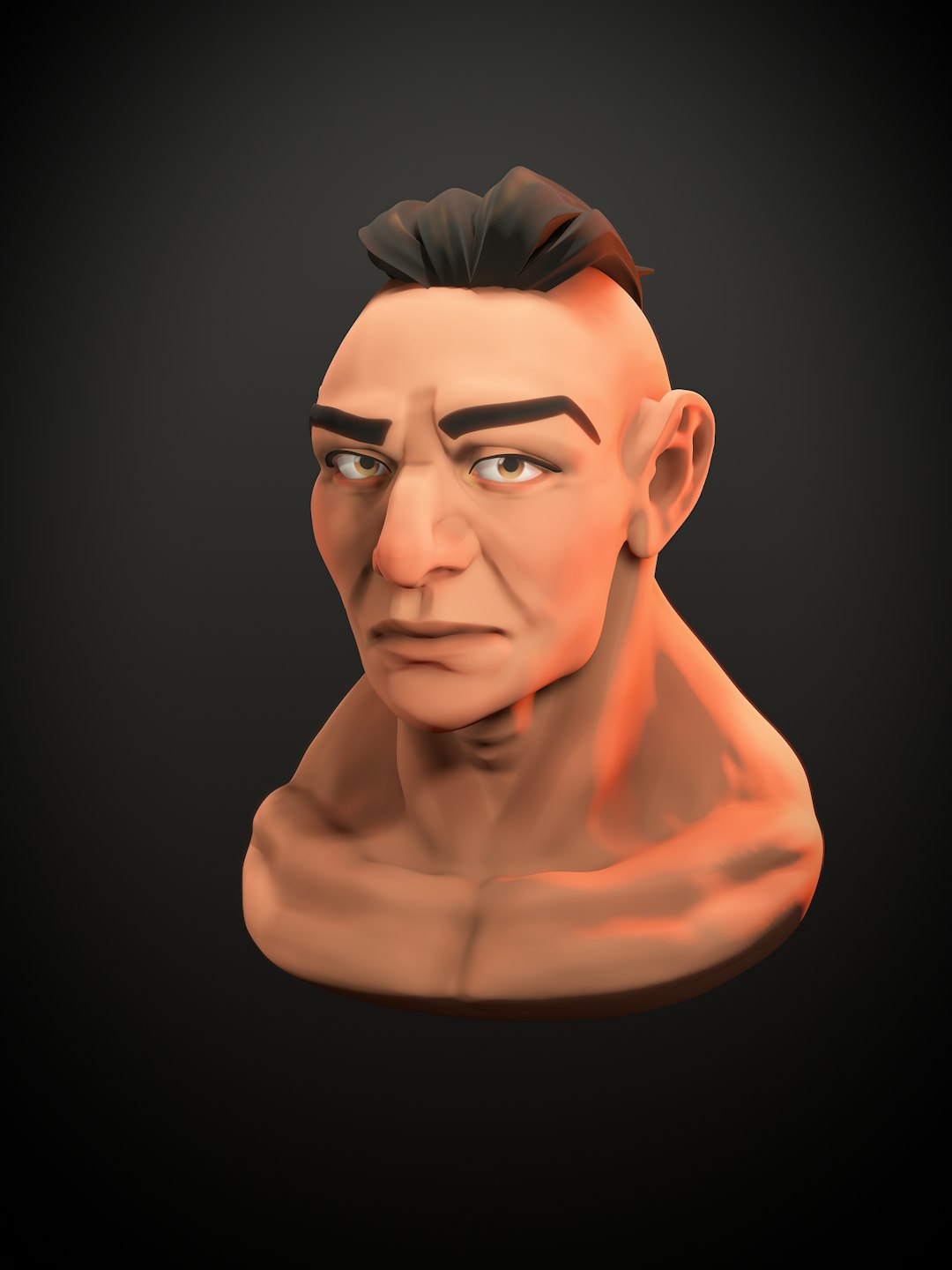 FBX / GLTF
Game Development
Generate props, environment assets and concept characters from reference art, ready to drop into Unity, Unreal Engine or Godot.
- Fast iteration for indie and studio artists
- PBR textures included
- Export to FBX and GLTF
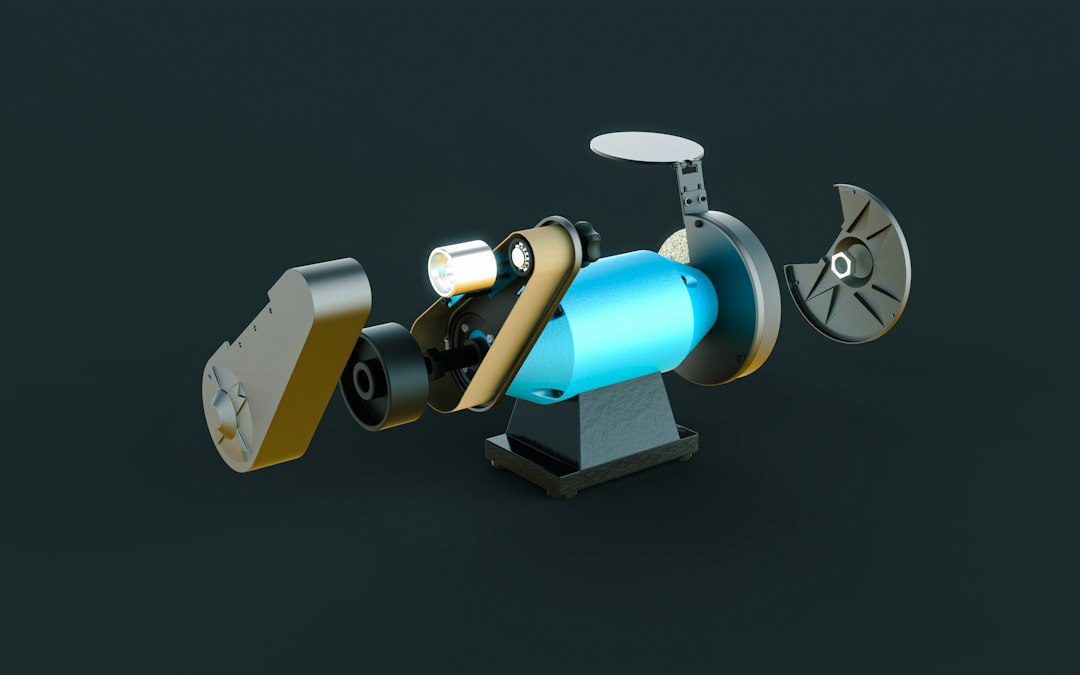 USDZ / GLB
Product Prototyping
Turn product photos into detailed 3D models for visualization, pitch decks, AR previews and interactive web viewers.
- AR previews on iPhone and iPad
- Realistic lighting and materials
- Ready for store pages
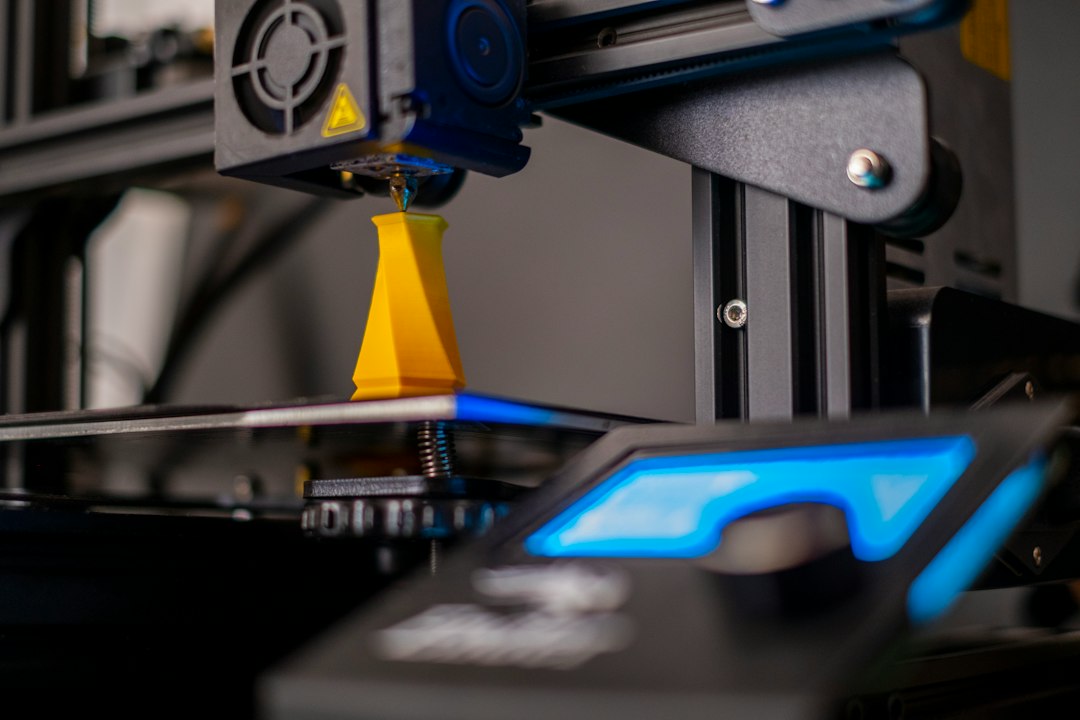 STL / OBJ
3D Printing
Convert any image into a printable 3D file and send it to your slicer. Make figures, parts, gifts and prototypes.
- Export to STL and OBJ
- Works with popular slicers
- Rapid prototyping and custom parts
Frequently asked questions
Everything you need to know before your first model. Still unsure? Try it with one image. Your first model is free.
Start creatingWhat kind of images work best?+
Clear, well lit images of a single object or character on a simple background. Front facing or three quarter views give the cleanest results. Photos, product shots, sketches and concept art all work.
How long does it take to generate a model?+
Most models are ready in about a minute. You can preview the result in 3D in your browser before you download anything.
Which file formats can I export?+
You can export GLB, GLTF, FBX, OBJ, STL and USDZ, so your model works in game engines, 3D printing slicers, AR viewers and design tools.
Do I need 3D software or experience?+
No. Cameo3D runs fully in your browser. You upload an image, press Generate and download the result.
Can I try it before paying?+
Yes. You can create your first 3D model free. When you need more, the pricing page shows the credits and plans available.
Can I use the models in my game or product?+
Please see the pricing and terms pages for the license that applies to your plan.
What happens to the images I upload?+
Your images are used to generate your model. Please read our privacy policy for full details on how files are handled.
Made for the way you create
See how designers, game developers, makers and sellers turn a single image into a usable 3D model.
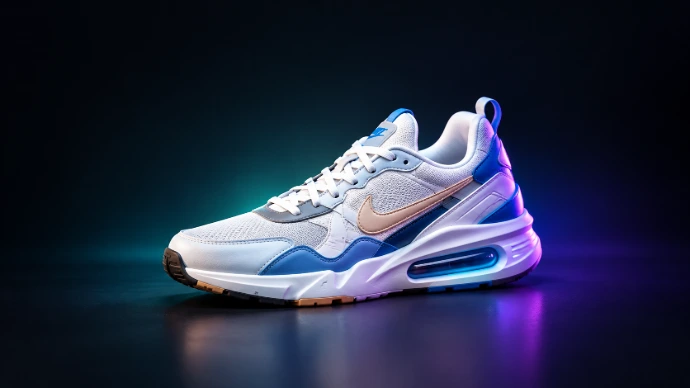 Product Design
Turn product photos into 3D models for pitch decks, AR previews and web viewers.
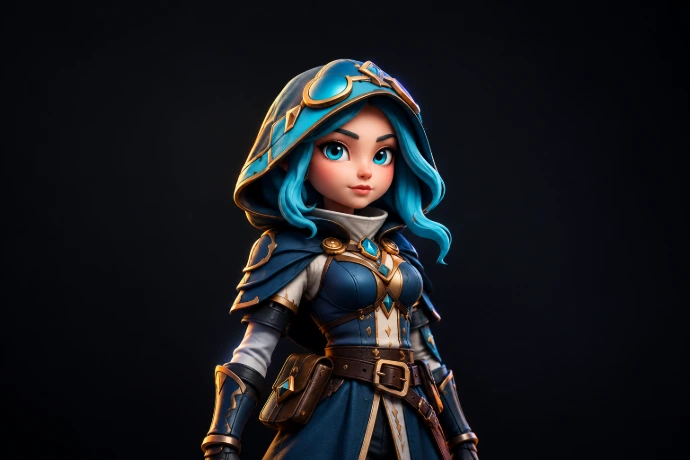 Game Dev
elopment
Make characters and props from concept art, ready for Unity, Unreal Engine or Godot.
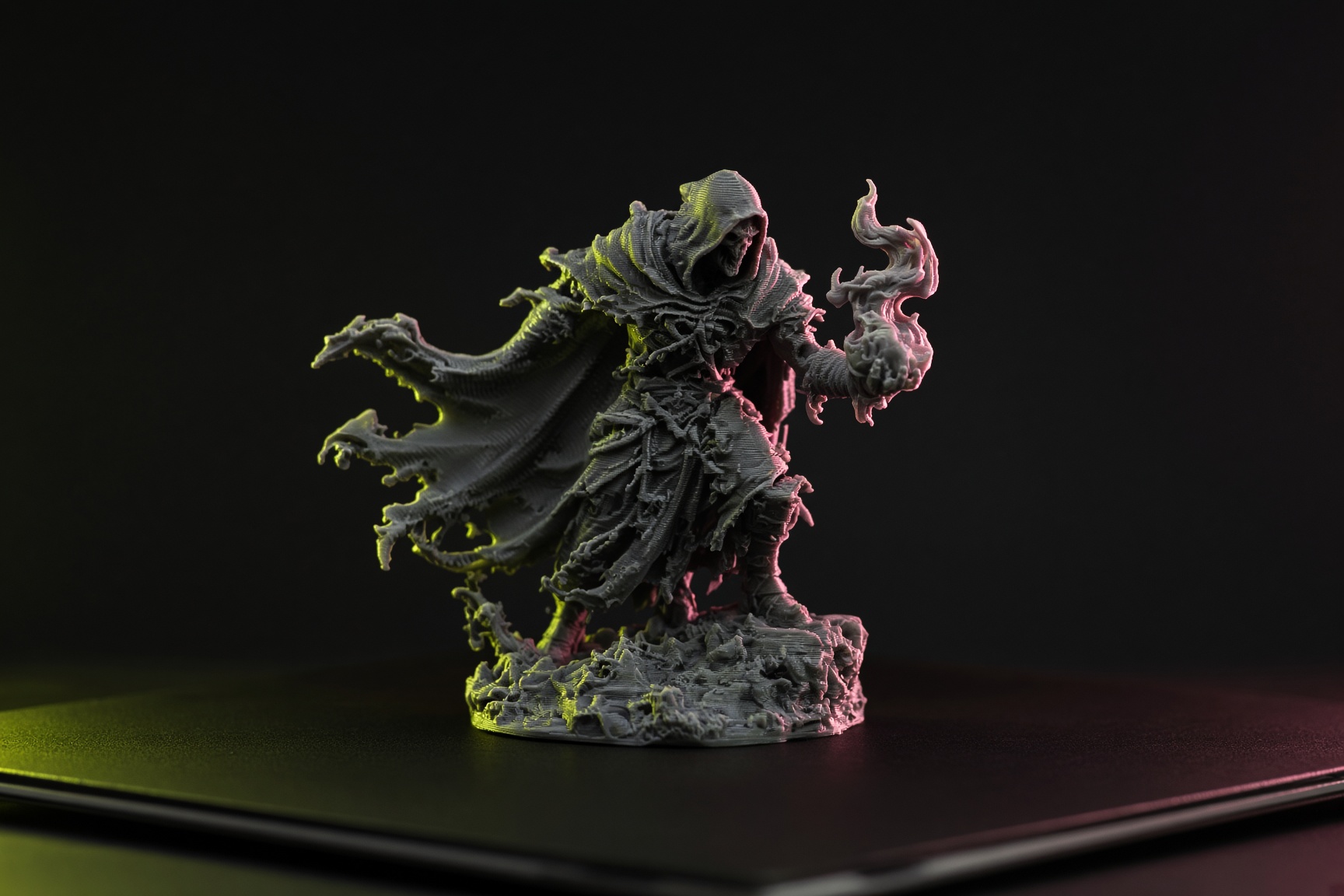 3D Printing
Custom Figurines
Export STL files and send figures, gifts and prototypes straight to your slicer.
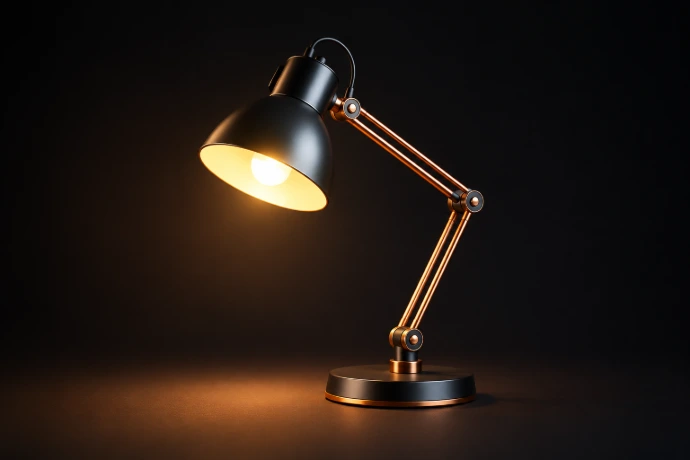 Interior
Furniture and Interior
Model lamps, chairs and decor pieces to try out layouts and show clients the result.
Get better results from every image
Short, practical guides for cleaner models and smoother workflows.
TipsHow to photograph an object for 3D
The lighting, angle and background that give the cleanest model.
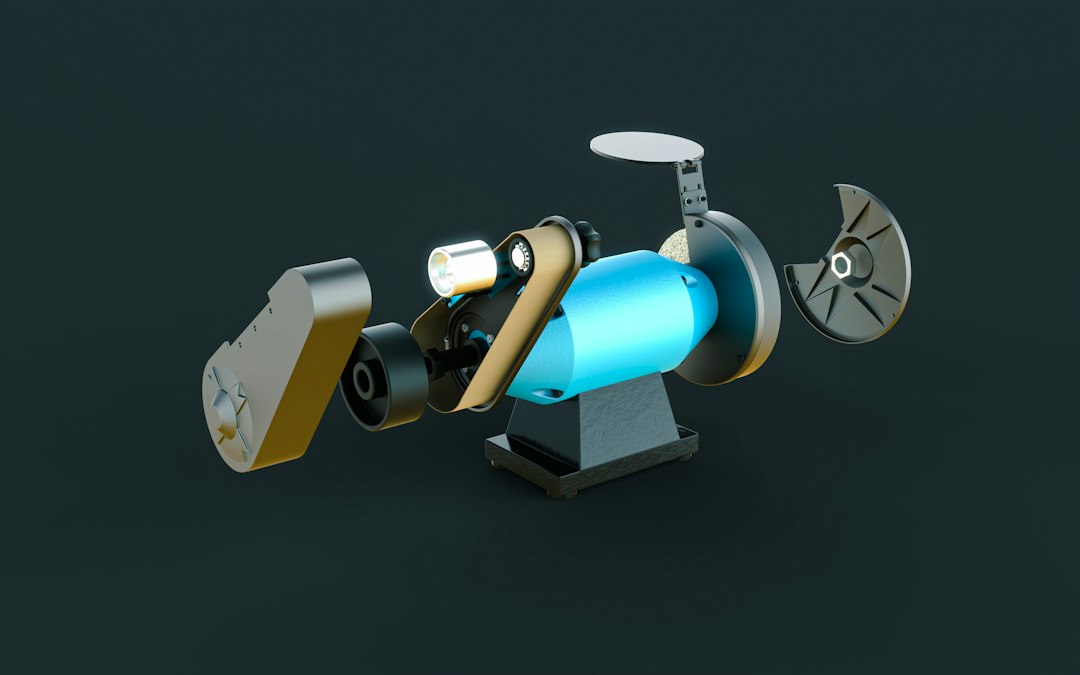 Formats
Which 3D file format should you use?
GLB, FBX, OBJ, STL and USDZ explained in plain words.
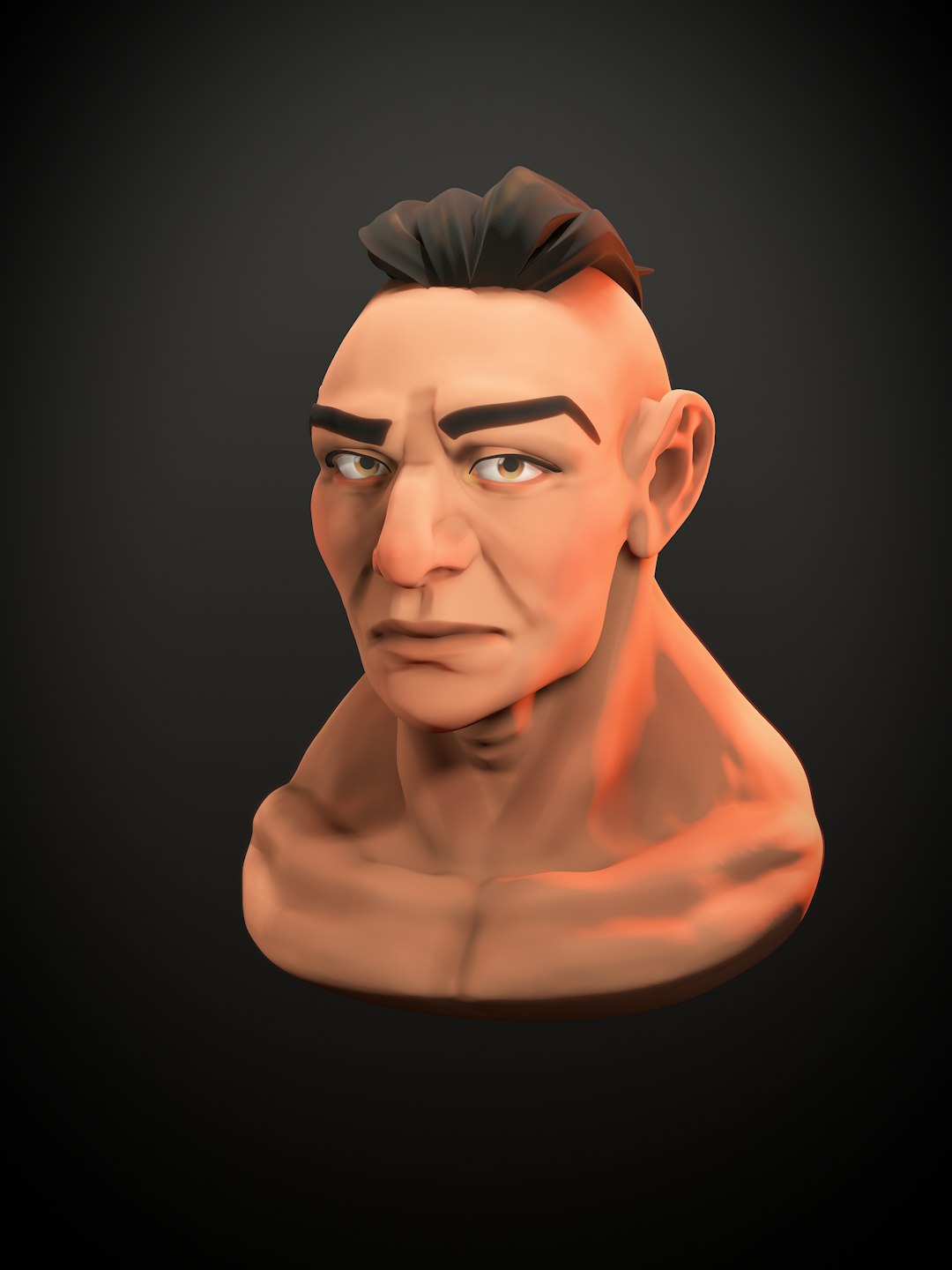 Game Dev
Image to 3D for game developers
From concept art to a game ready prop, step by step.
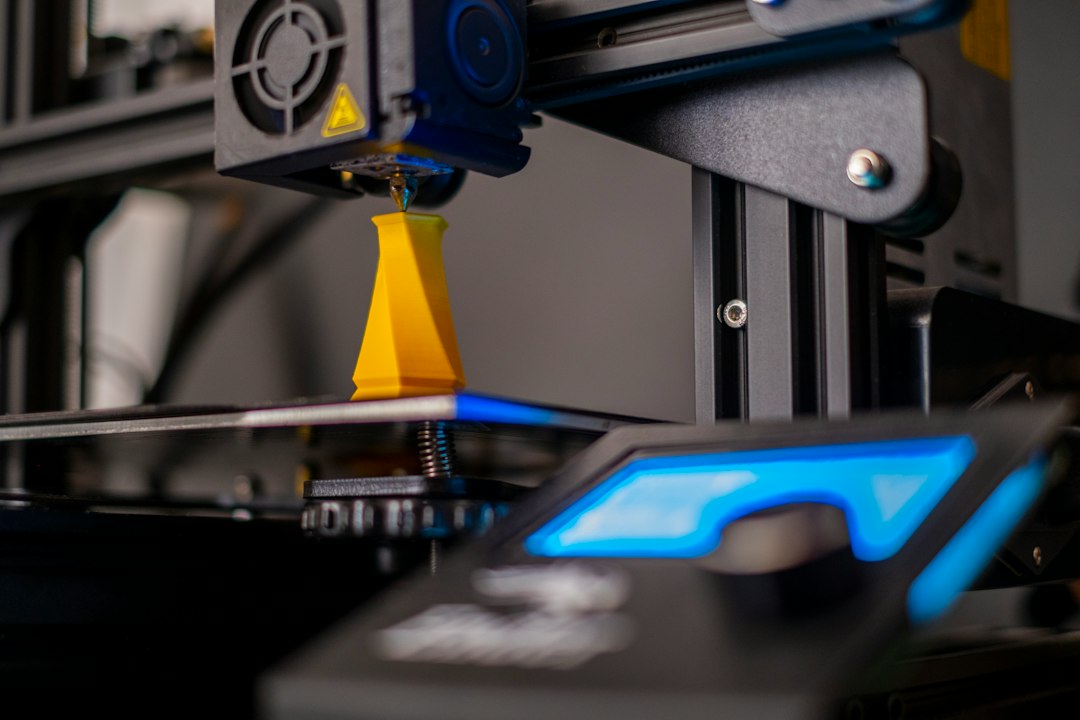 3D Printing
How to 3D print a model from a photo
Export, slice and print your first model from a single picture.
Your next level is one image away
Upload a concept, watch the model take shape in about a minute, then drop it into your engine and press play.